Decide Documentation
Quickstart
Start wherever your spreadsheet work happens: on the web, in Excel, or in Google Sheets.
- 1
Sign up and use Decide on the web
Create your account and start using Decide on the web.
Sign up for Decide - 2
Install Decide for Excel
Install the add-in from Microsoft Marketplace, then open Decide in Excel.
Install for Excel - 3
Install Decide for Google Sheets
Install the add-on from Google Workspace Marketplace, then open Decide in Google Sheets.
Install for Google Sheets
Features
Everywhere you work
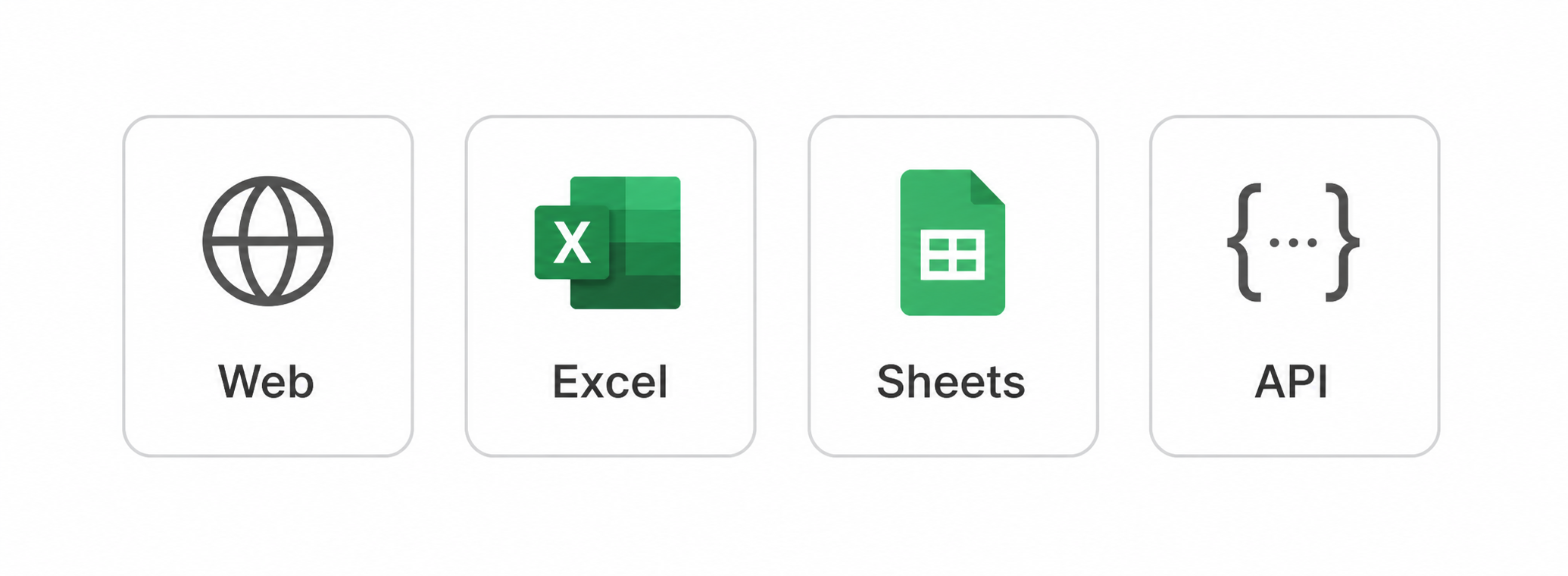
Continue the same workspace across the web, Excel, Google Sheets, and API workflows.
DAX-1
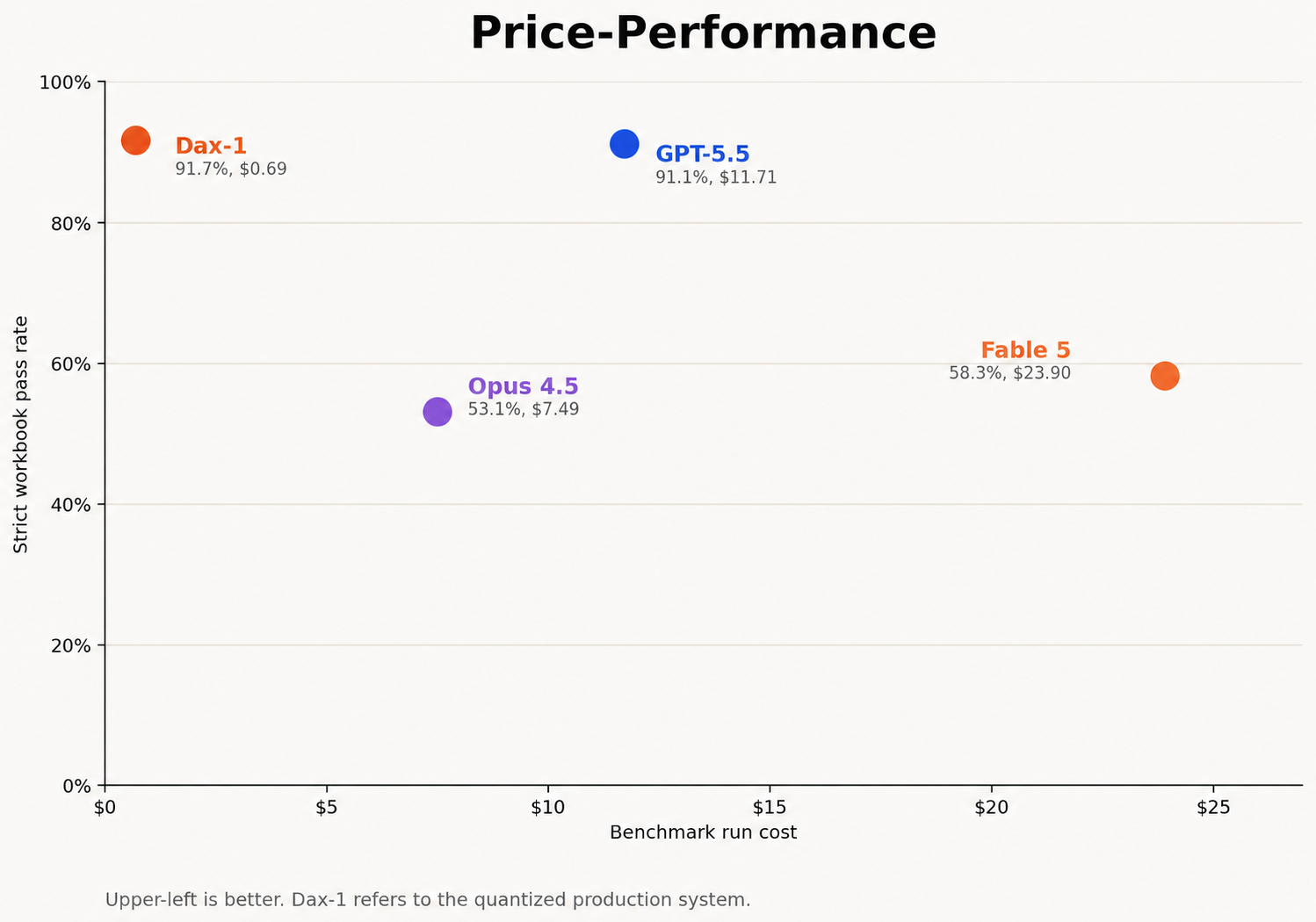
Purpose-built for deterministic spreadsheet editing: 91.7% strict workbook accuracy on our frozen benchmark, at about 97% lower benchmark cost than Fable 5.
Multi-tab work
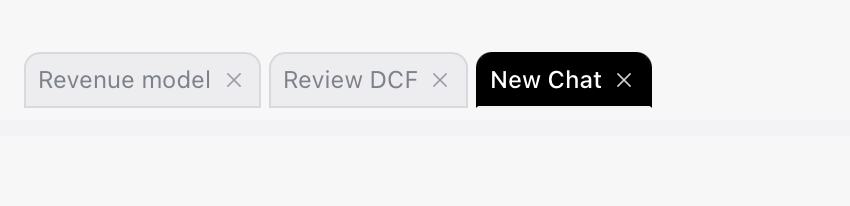
Run parallel tasks in separate tabs on the same workbook to compare results or audit another task.
Reusable skills

Save a workflow once, then run it again from any task when the same work comes around.
Memories
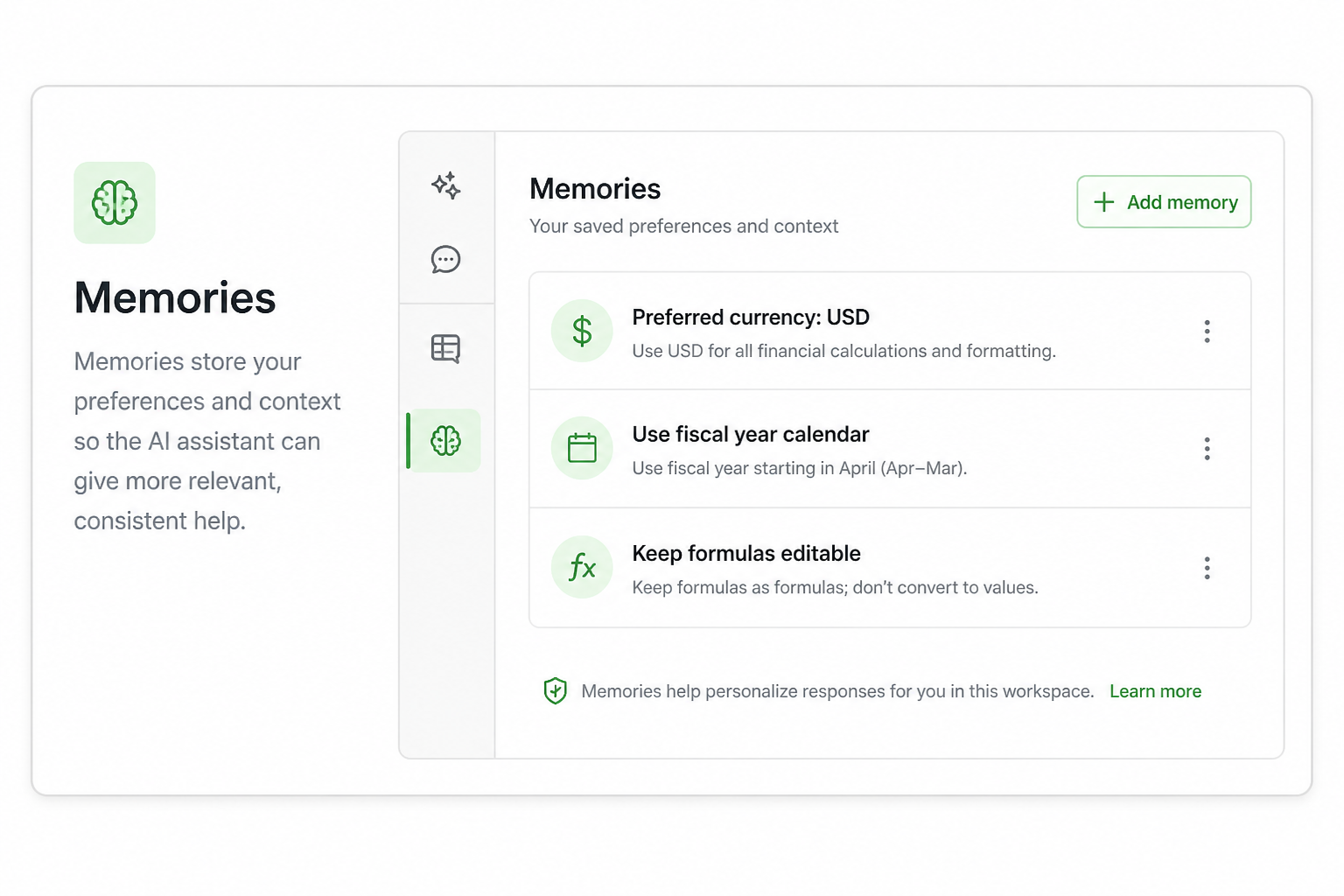
Save your preferences and working context so Decide can apply them to future tasks.
Workflow shortcuts
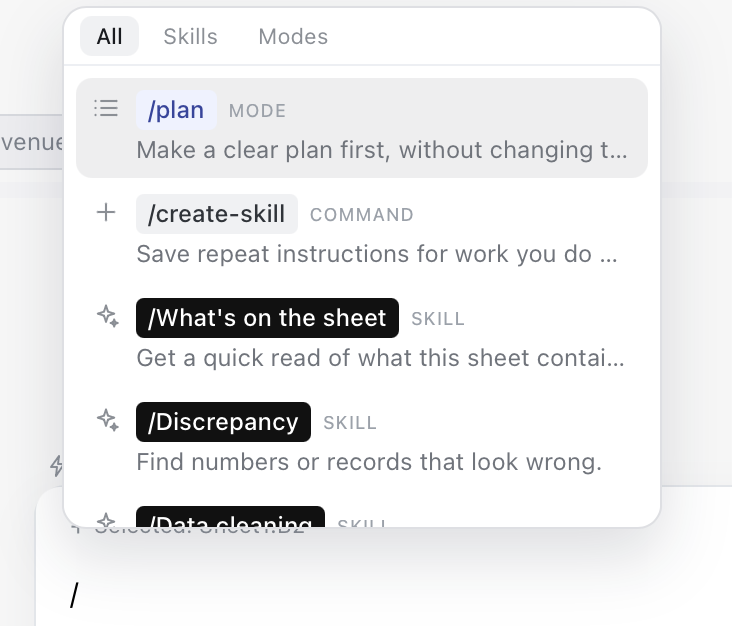
Turn repeatable requests into quick commands, like /format-as-report or /forecast-revenue.